

In this page
What is Git CLI?
The Git CLI is the native Git commandline interface bundled with every Git installation. Unless you use a dedicated GUI tool, it is the Git client you work with every day. The output can look slightly different across shells and operating systems, this page covers the most common ones.
Git CLI guide
Learn how to get the most out of Better Commit Policy in Git CLI. If this is your Git client of choice, this guide is well worth a read.
Pre-commit check
The pre-commit check is implemented as a standard Git commit-msg hook that runs at commit time.
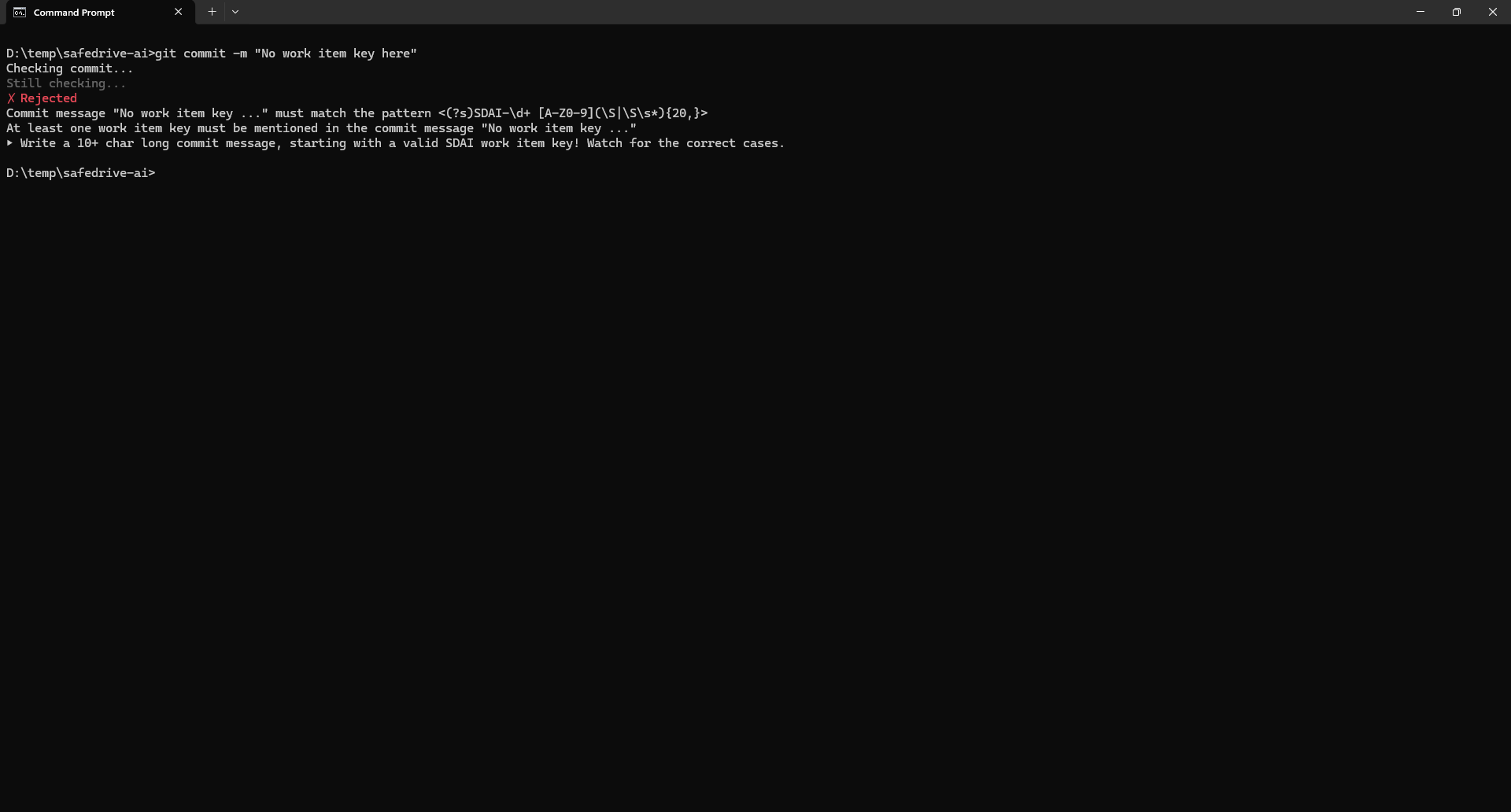
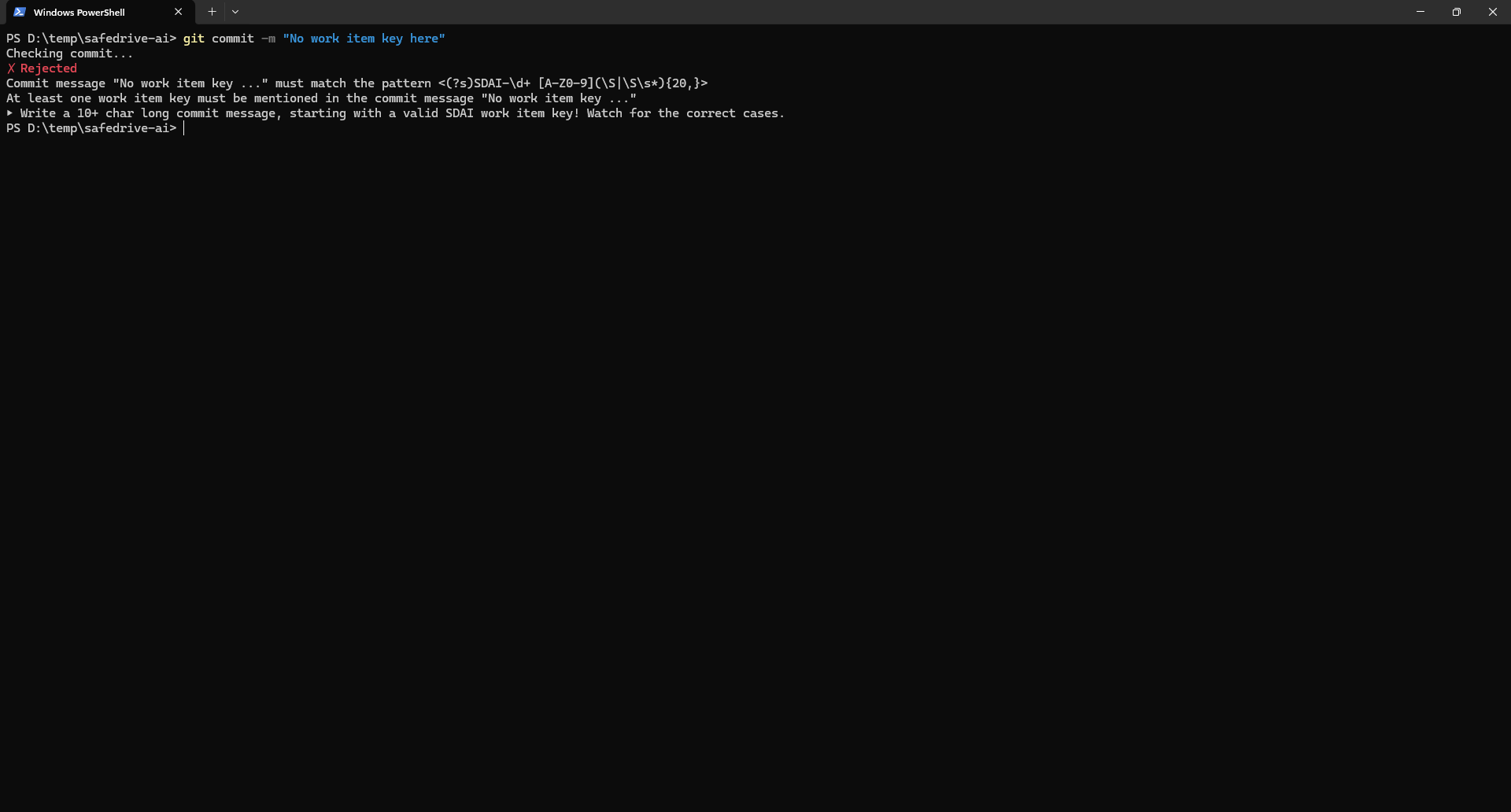
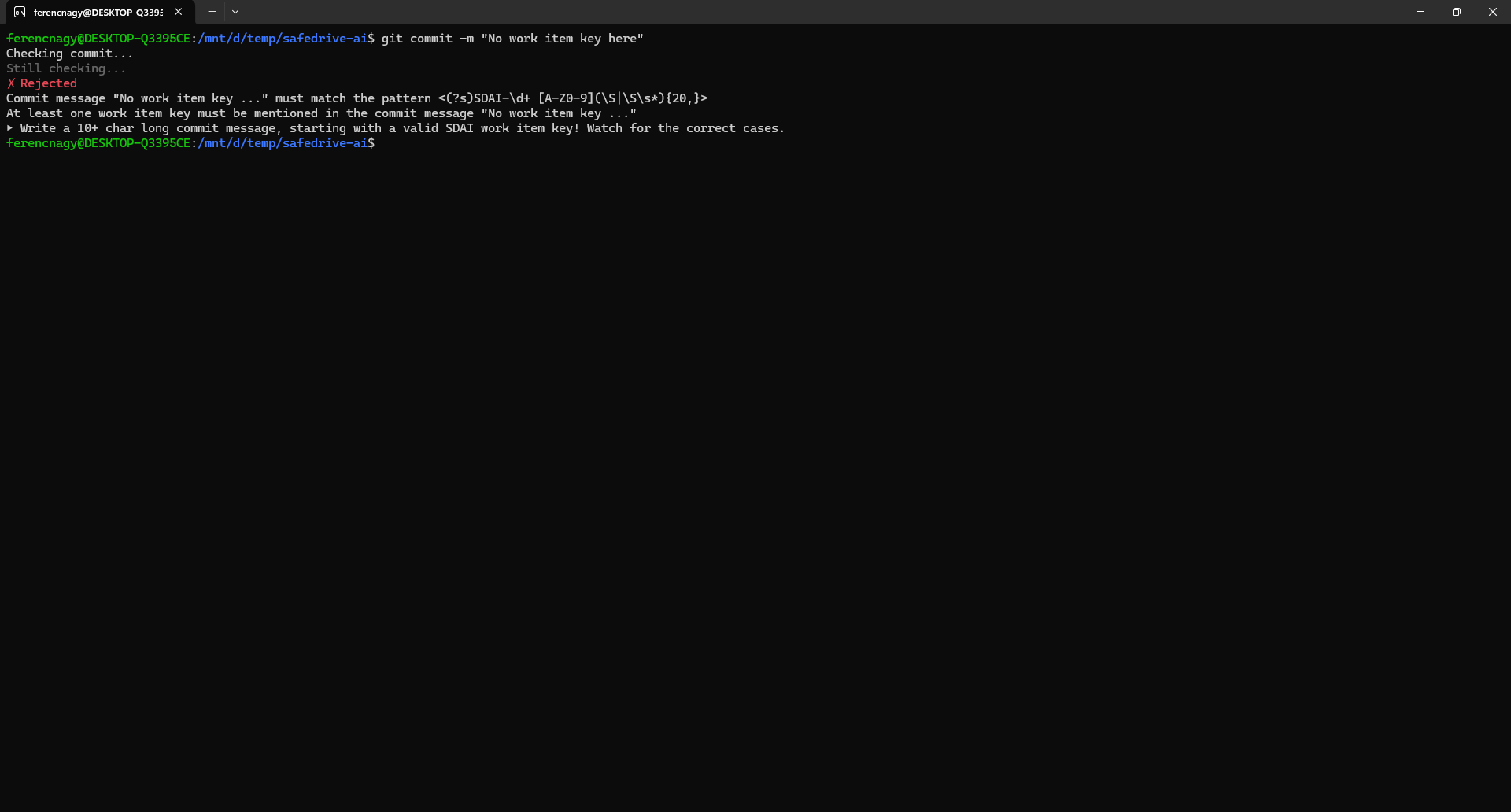
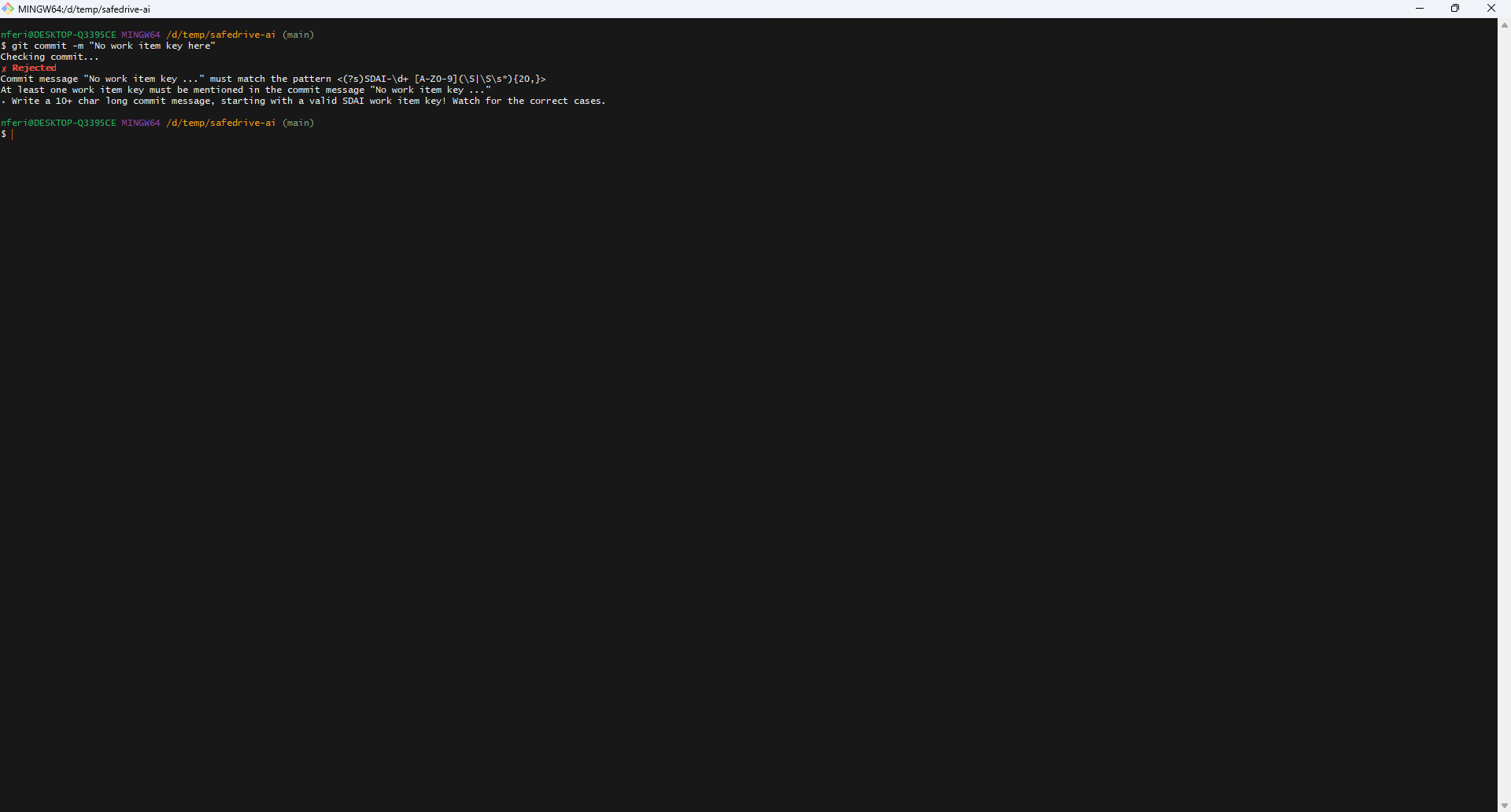
When you run git commit and the pre-commit check rejects the commit, Git prints the hook output directly to the terminal and exits with a non-zero exit code. The hook output includes the list of violations and is displayed in color, as all shells covered on this page support ANSI color codes.
Command Prompt (cmd.exe on Windows):
PowerShell on Windows:
WSL (Windows Subsystem for Linux) runs a full Linux environment inside Windows. Note that WSL has its own Git installation, separate from any Git installed on the Windows host:
Git Bash is the POSIX-compatible shell bundled with Git for Windows:
Bash and Zsh are the most popular shells on macOS and Linux:
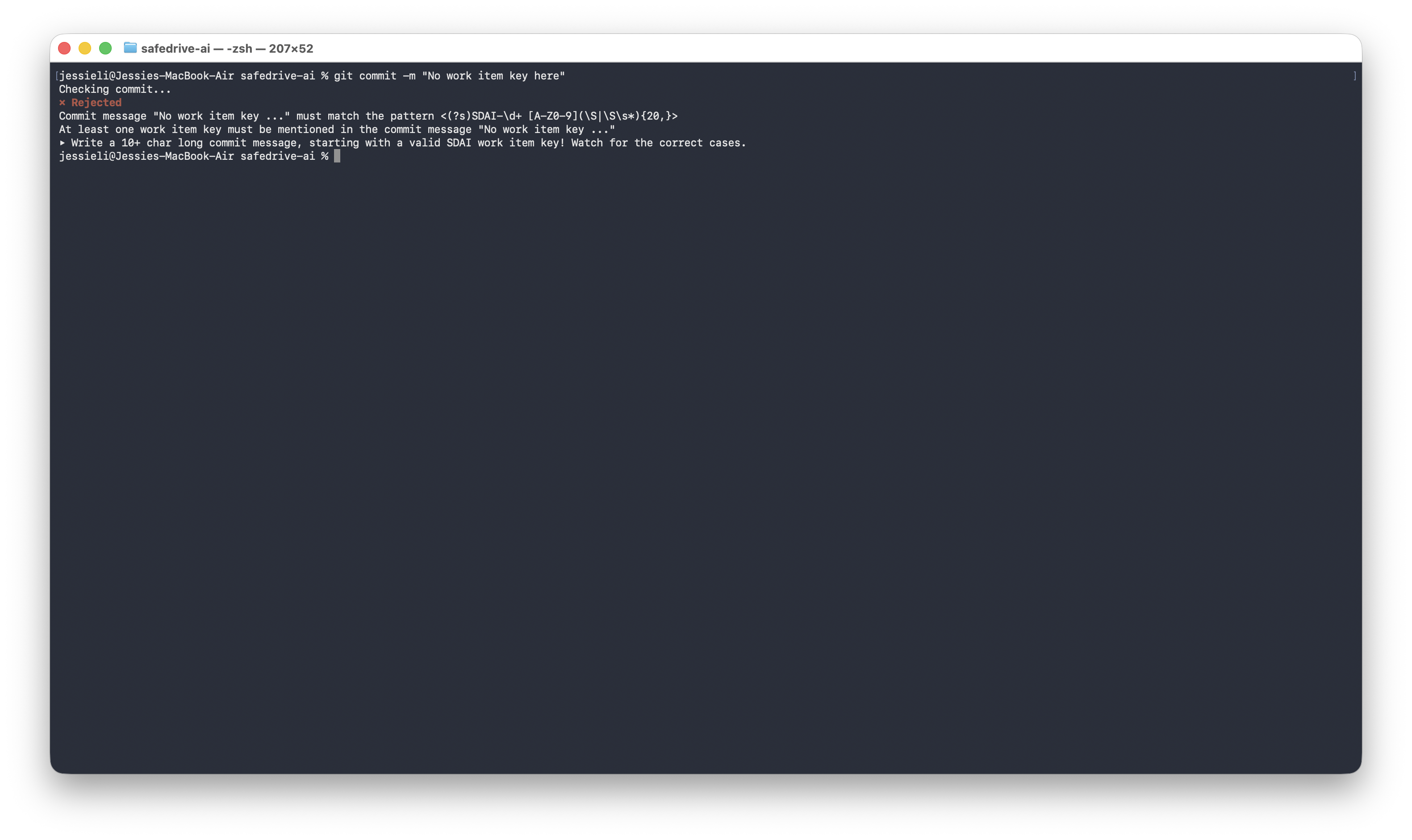
Of course, your changes remain staged, so you can easily fix the commit and retry.
Git configuration settings
The pre-commit check feature is configured through standard Git configuration settings.
You can run standard git config commands directly in any terminal to set or unset configuration keys.
Questions?
Ask us any time.