

In this page
What does the Send Notifications job do?
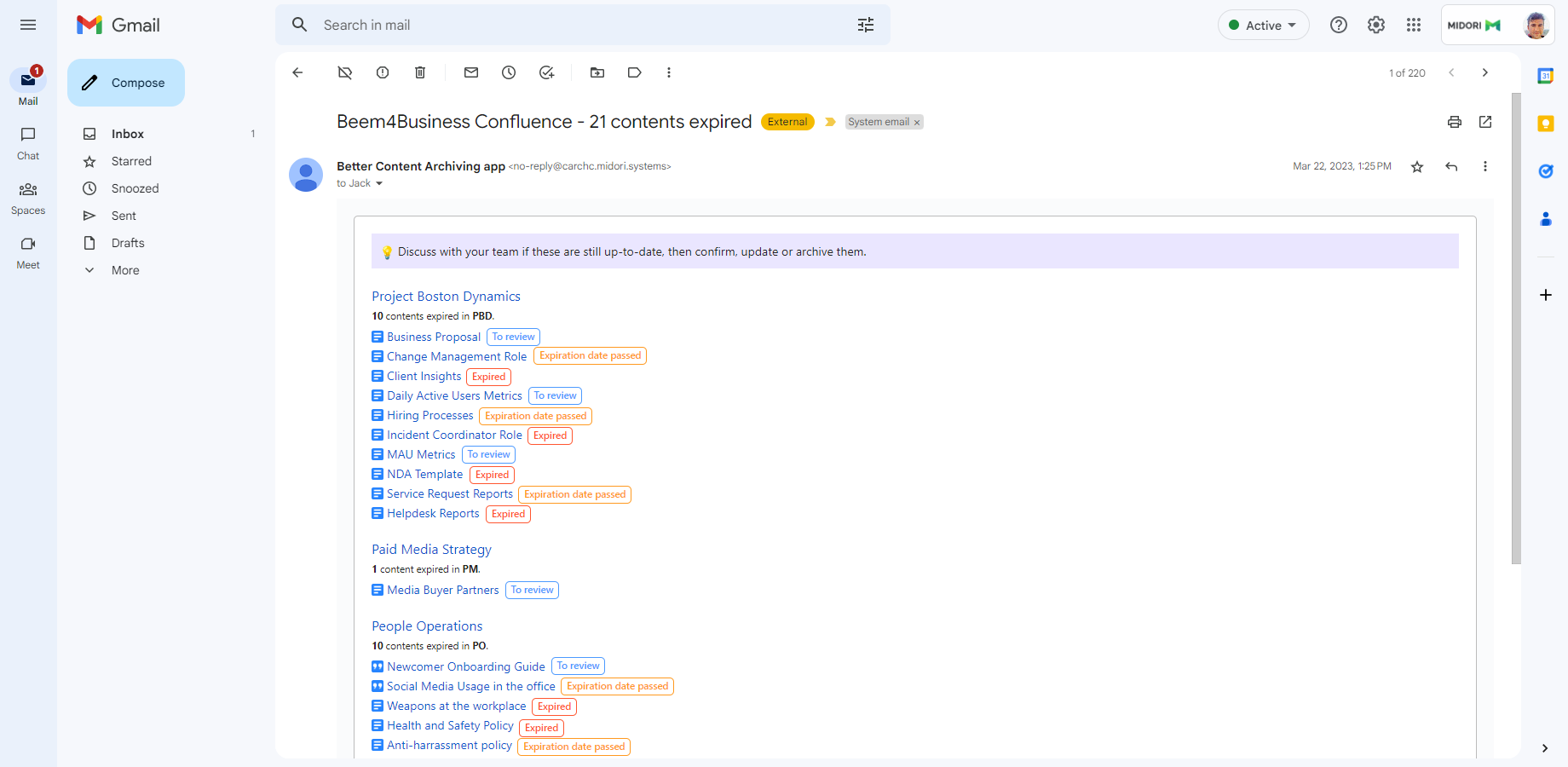
This job sends out all notification emails.
How it works
Collecting the notification recipients and the related contents is based on the notification scheme applied to the space. Pages and blog posts that match the configured CQL query will be included in the notification. The assigned notification template defines how these contents are presented in the notification emails.
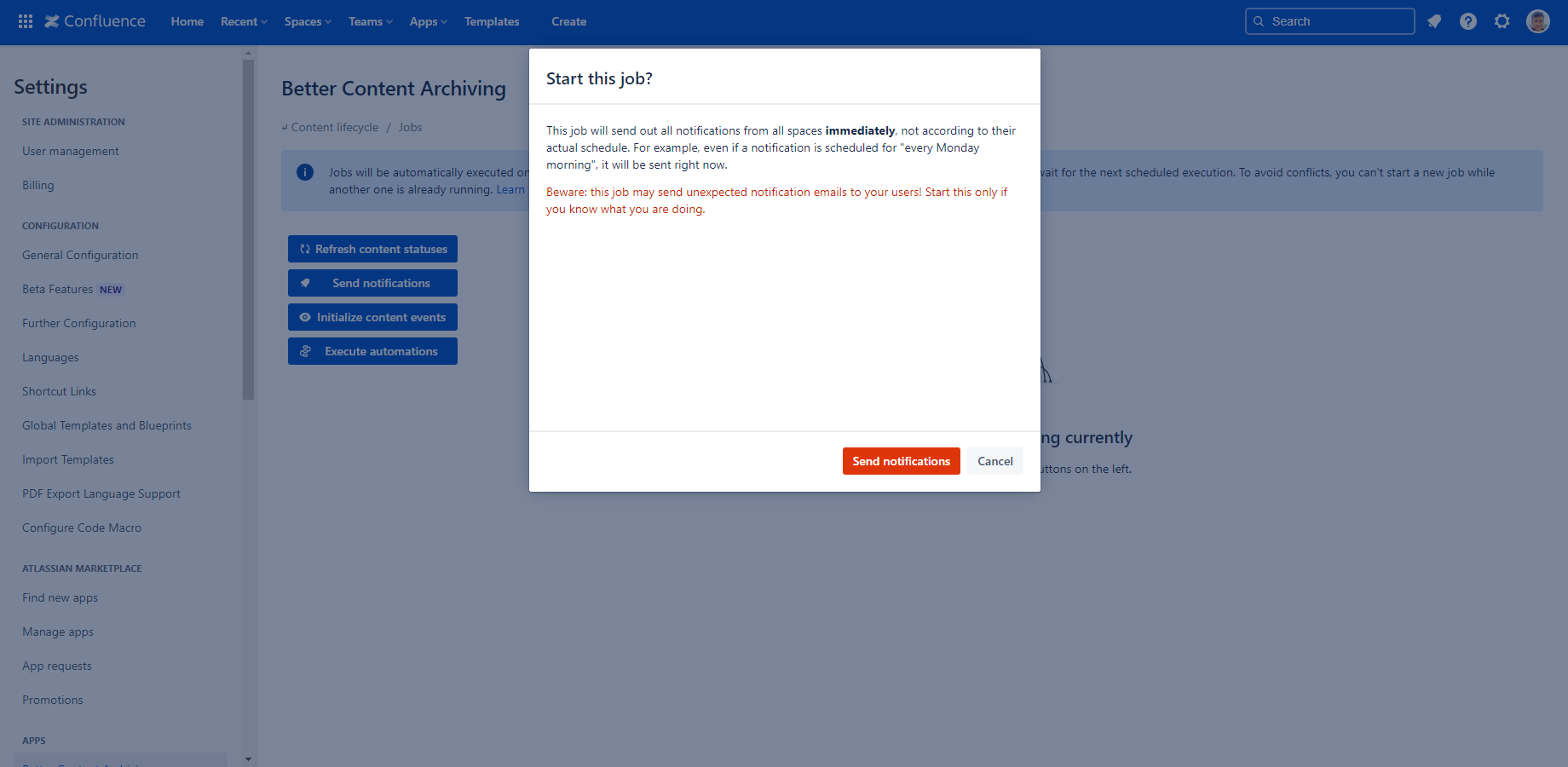
Even though the notifications have a configured schedule, you can run this job manually, but it will not affect the next scheduled run. For example, if a notification is scheduled for every Monday, it will be sent right now, but also on the next Monday.
Scheduled runs
This job runs whenever a notification is due, according to its configured schedule.
Manual runs
Beware: Your users may receive unexpected notification emails! Start this only if you know what you are doing.
You should only run this job manually in one of the following situations:
- If you really want to send out all notifications immediately (and ignore their actual schedule).
- If you included a previously excluded space, for which the job has not yet run recently.
- If the Midori support team asks for that.
Supported metrics
This job saves the following metrics to the job audit log:
- Spaces processed
- Spaces total
- Emails sent
Questions?
Ask us any time.