

In this page
What are app content restrictions?
The app requires certain access control settings to work properly. It includes granting the required content restrictions to the app user. We also call the "content restrictions required for the app user" simply "app content restrictions".
Because app content restrictions are time-consuming to manage if you have a large number of contents, the app includes a screen that eases this work. To get to the screen, go to Confluence Settings (cog icon "⚙" in the top right) → Apps → Better Content Archiving → Administration → App content restrictions.
Grant content restrictions to the app
The app can only check and fix content restrictions in one space at a time. When opening the screen, select a space to check, then click the Check contents button. You can select any space, except the excluded ones.
The app scans the selected space and checks if all required content restrictions are granted to the app user. Stay patient, it may take a while for larger spaces.
If everything is granted properly, you will see the message below.
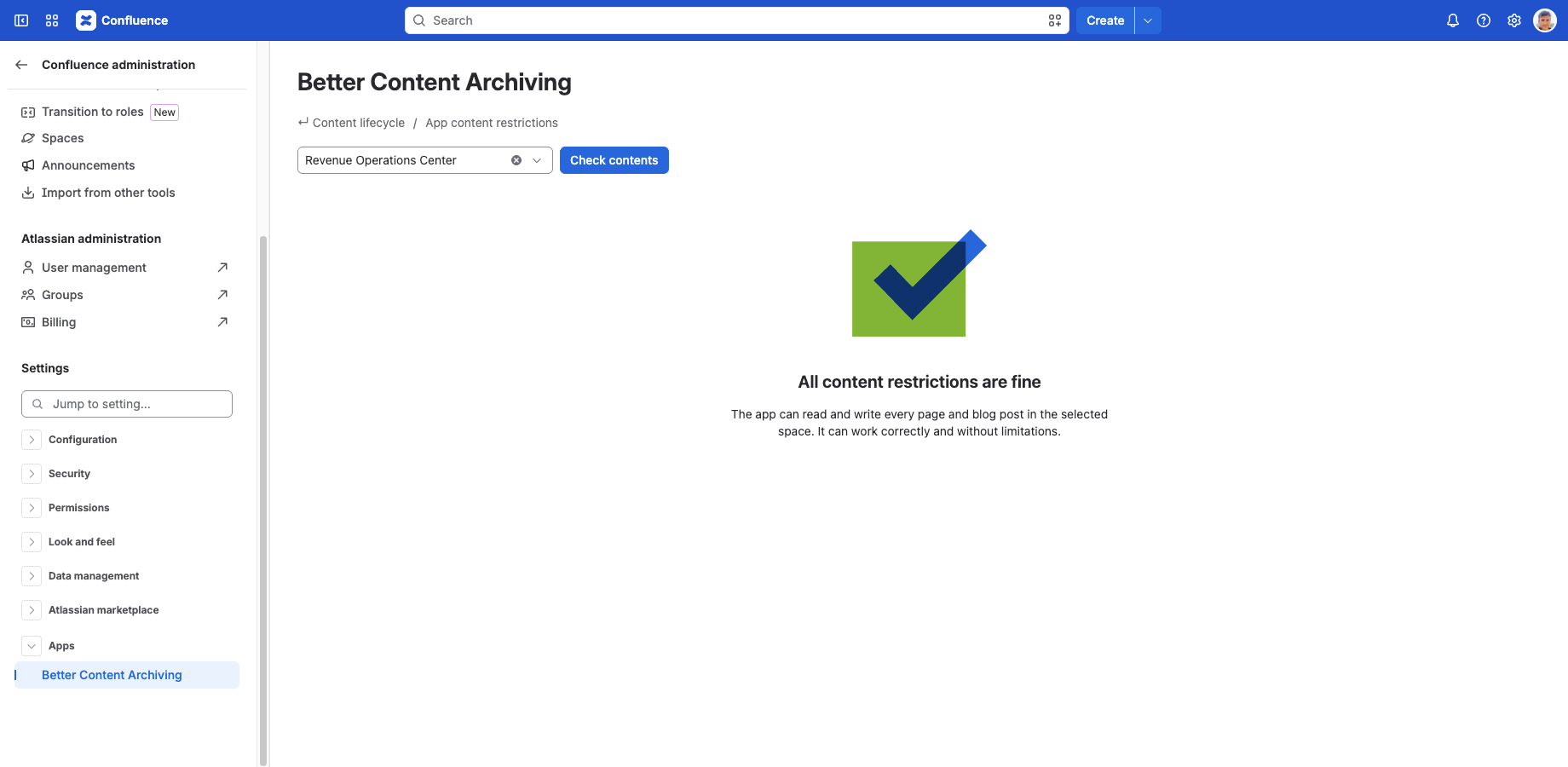
It confirms that the app can work correctly and without limitations. You're done!
However, if there is something missing, you will see the precise list of the affected contents and missing content restrictions.
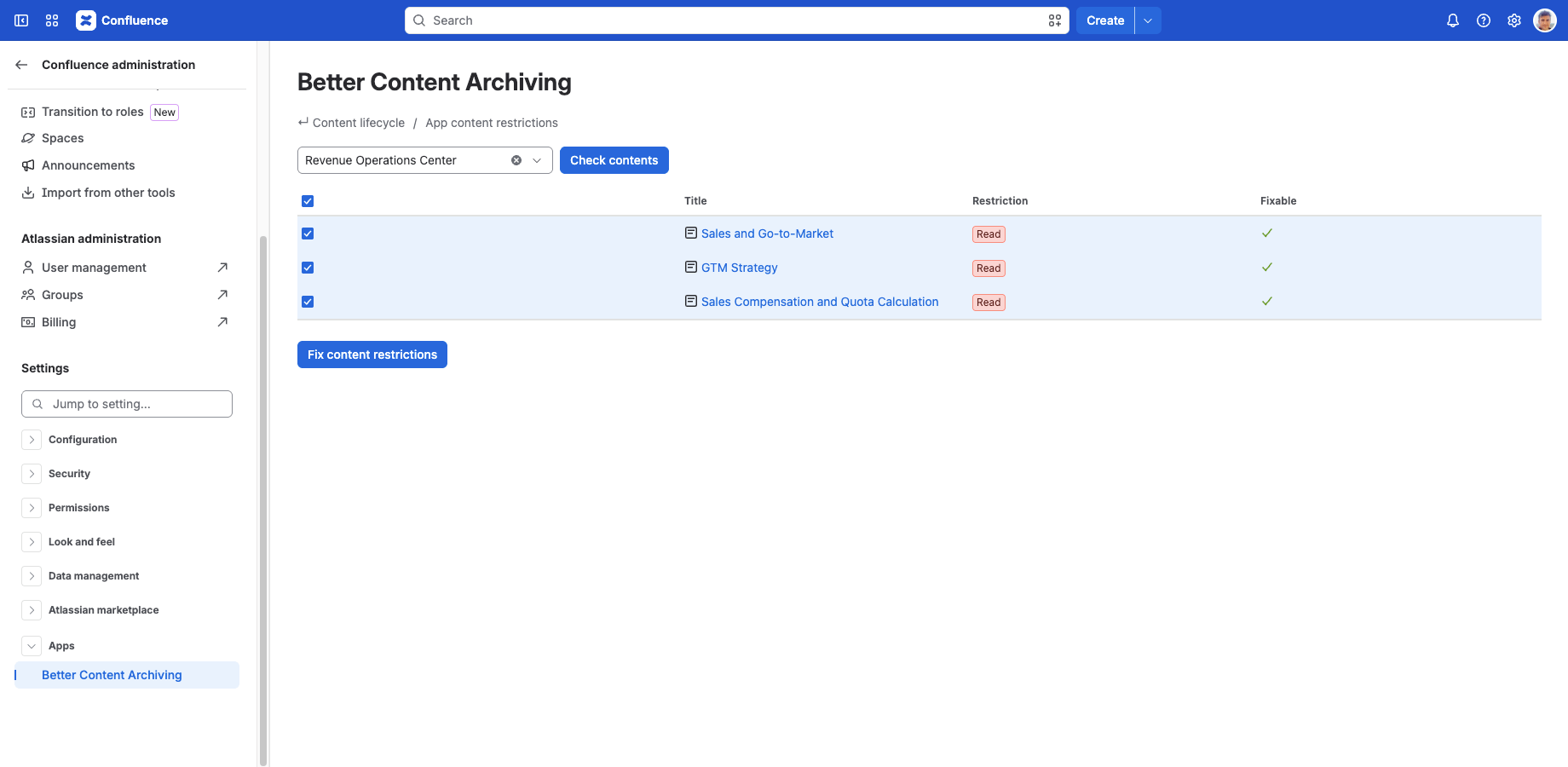
To grant the missing restrictions, follow these steps:
- Select the contents you want to fix.
- Click the Fix content restrictions button.
- Wait until the "all content restrictions are fine" message appears. Enjoy!
Questions?
Ask us any time.