

In this page
Update and Confirm
The table below describes the Update and Confirm quick actions and gives practical advice on how to use them.
| Action | How does it work? |
|---|---|
| Discuss | Coming soon! |
| Update |
This action opens the page for editing (in the built-in editor). It should be used for those pages that became expired because they haven't been updated for a long period and require an update. Effects After saving your changes, the page receives a new last update date. As a consequence, the expiration period restarts (if your content status scheme uses the last update date to track expiration of contents). |
| Confirm |
This action confirms that the content of the page is still up-to-date and there is no need for an update.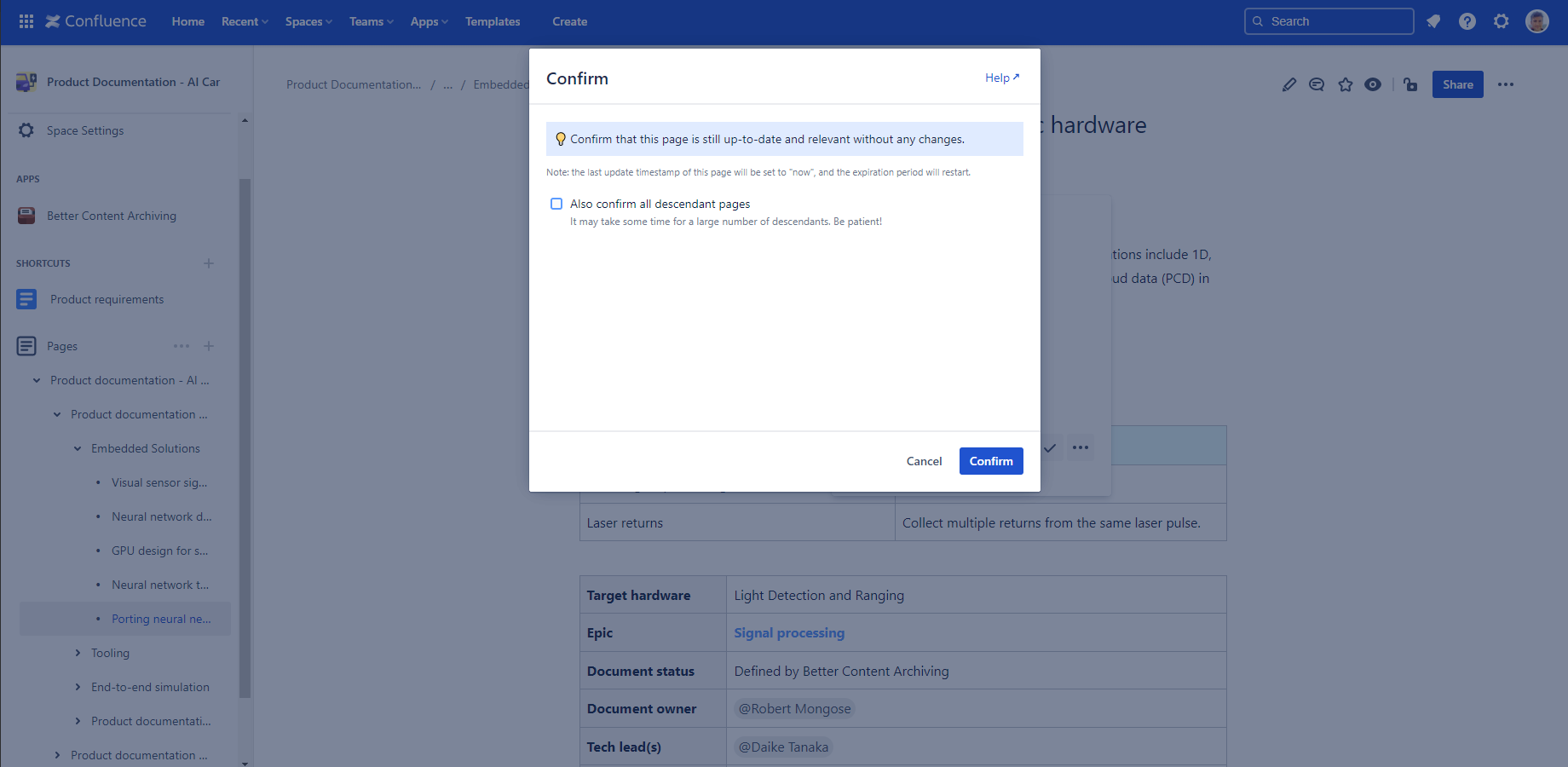
Effects The arch.event.lastUpdatedOn and arch.event.lastUpdatedBy content properties will be updated with the current timestamp and user. As the page receives a new last update date, the expiration period restarts (if your content status scheme uses the last update date to track expiration of contents). |
Questions?
Ask us any time.